The best creative image design ideas are the simple ones. Use real photos of your own work. Repeat one or two colors. Crop in closer than feels natural, and keep any text on the image short and easy to read. You don’t need a big budget or a design degree to try any of them.
Below are the ideas we’d hand to a business owner sitting across the desk from us. They work on a website, in a social post, on a flyer or in an email. Pick two or three, try them, and see which ones feel like you.
Start with real photos of your own work
Stock photos have their place, but people spot them fast. A smiling group around a laptop doesn’t tell anyone what it’s like to hire you. A photo of your crew on a real job, your storefront on a normal Tuesday or your product in someone’s hands does.
Here are a few easy subjects to shoot:
- Your team at work, not lined up and posed
- Finished projects, with the messy before shot next to it
- Close-ups of your hands, tools or materials
- Your location, inside and out, in good daylight
If you want a set of photos that looks consistent from one shot to the next, a professional shoot is worth considering. We offer commercial photography in Bowling Green for businesses that want images made for them.
Pick a color and let it repeat
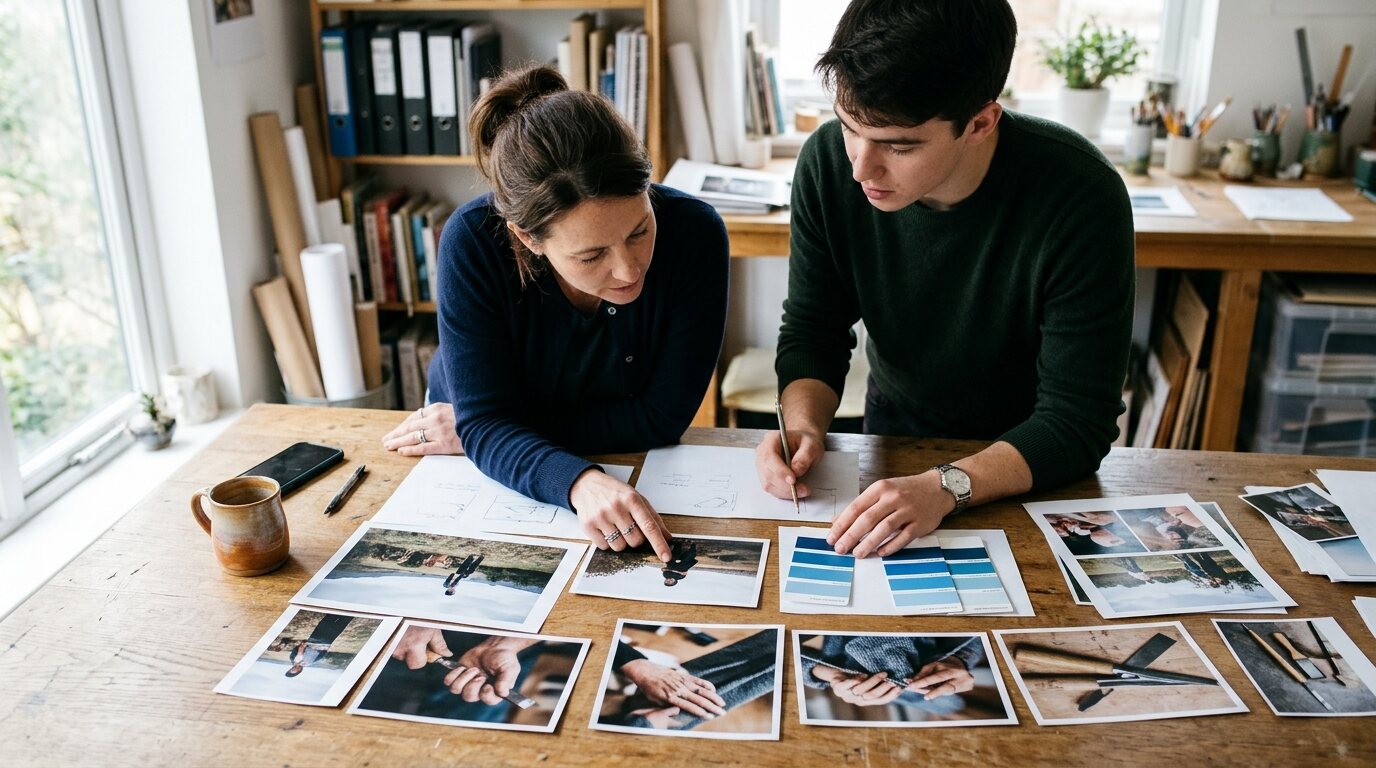
Repeating a color is one of the easiest ways to make a group of images feel designed. Choose one main color from your logo and one backup. Then use them in overlays, borders, buttons and backgrounds.

It works because people start to recognize you before they read a word. A post, a banner and a business card that share the same blue or the same warm red look like they came from one place.
Don’t use every brand color in every image. Restraint looks more confident. If your colors and fonts haven’t been pinned down yet, that’s a branding job worth doing before you design a pile of graphics.
Crop closer than feels natural
Most people shoot wide because they’re afraid of cutting something off. But wide shots often show too much: a cluttered desk, a parking lot, empty floor.
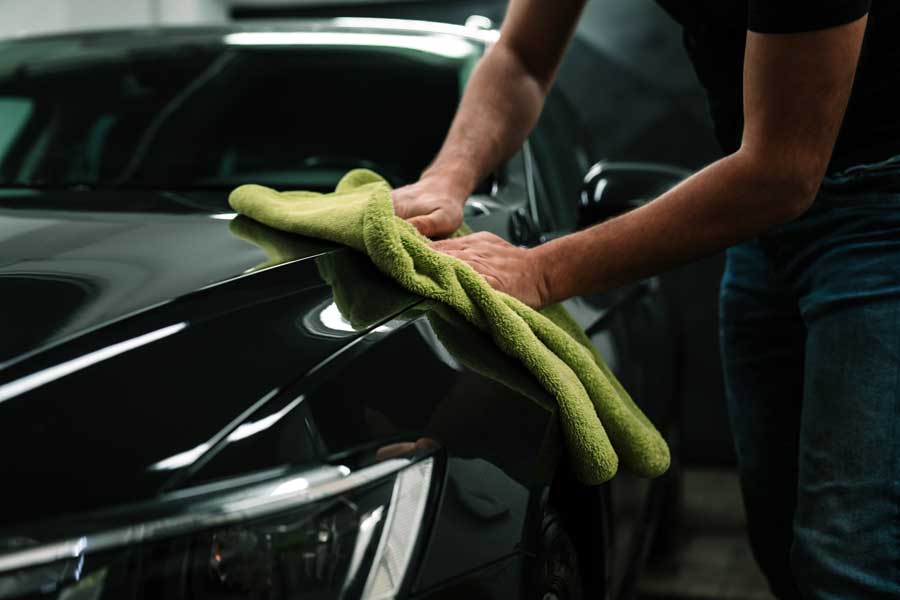
Try the opposite and crop in on the part that matters. A baker’s flour-dusted hands say more than the whole kitchen. A close shot of a freshly painted trim line says more than the whole house.
A tight crop also leaves room for a headline or a button without covering the subject. Keep some calm space on one side of the image, and you can set text there later.
Use text on images, but keep it short
Text over a photo can work well for a sale, an event or a single clear message. Add too much of it and it falls apart.
A few rules keep it readable:
- Use a few words, not a paragraph
- Put text over a quiet part of the image
- Add a soft dark or light overlay behind the words if the photo is busy
- Stick with one or two fonts
Then test it. Hold your phone at arm’s length and glance at the image. If you can’t read it in a second or two, simplify.
Show where you're from
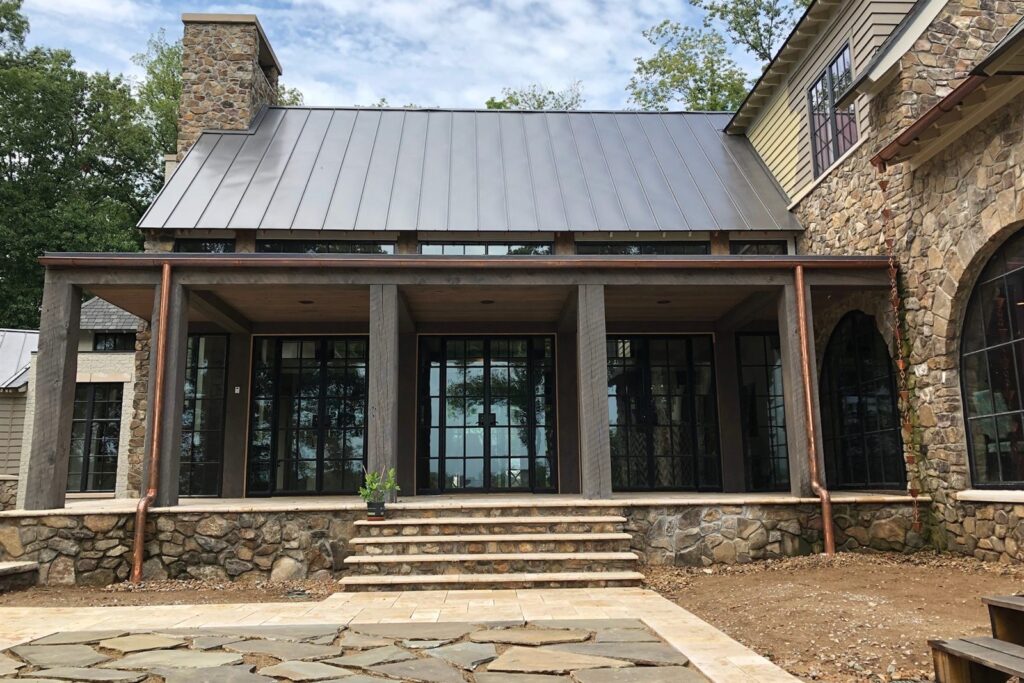
Local images set you apart from companies that could be anywhere. If you’re in Kentucky, you’ve got rolling hills, old brick downtowns, rivers and campus life to work with. A background shot of a recognizable local spot tells people you’re one of them.
We’ve written before about bringing Kentucky’s natural beauty into web design, and the same thinking applies to any image. Green, earthy colors and outdoor textures can give a site a grounded feel without adding clutter.
Local doesn’t have to mean scenery. It can be the front of your shop, a team shirt or a neighborhood you serve.
Mix in simple illustrations and icons
Not everything needs a photograph. Simple line icons, flat shapes and small illustrations help you explain steps, list services or break up a long page.
An insurance office, a plumber or a moving company can use icons to show what happens first, second and third. Stick to the same style and the same colors, and they’ll feel like a set rather than a random collection.
One caution. Don’t mix several icon styles on one page. It’s a small thing, but visitors feel it even when they can’t say why.
Design for the screen people will see it on
An image that looks great on a big monitor can fall flat on a phone. Text gets tiny, and details disappear. Look at it at phone size before you finalize anything.
The same goes for file size. Huge image files slow pages down, and slow pages lose visitors. Every site we build is mobile-first and tested on phones, tablets and desktops, and we build for fast loading, because images are often the heaviest part of a page. If you’re planning a new site, our website design process starts with a free consultation, then you see real page designs before anything is built.
For social posts, check how each platform crops images. A square, a vertical shot and a wide banner each need their own framing.
Creative image design is mostly about making a few clear choices and sticking with them: real photos, a repeating color, tight crops, short text and a look that fits where you live. If you’d like a second pair of eyes on your images, or help building a set that matches your brand, contact us and we’ll set up a free consultation.
Frequently asked questions
What makes an image look professional?
Consistency does most of the work. Good light, a clear subject, a repeating color palette and a limited number of fonts make images look like they belong together. Clutter and crowded text make them look rushed.
Do I need a photographer, or can I shoot photos myself?
Your phone is a fine place to start, especially for behind-the-scenes shots. Use daylight, keep the lens clean and get close to the subject. For key pages like your homepage or about page, a professional shoot gives you a more polished, consistent set.
Is it okay to use stock photos?
Yes, in moderation. They can fill gaps, such as a background or a general concept. Try not to rely on them for pages where people want to see the real you, like your team, your work or your location.
Can big images slow down my website?
They can. Large files take longer to load, and visitors on phones notice first. Size and compress images for the web before they go on a page. If you’re not sure how to do that, we can help.